What AI is, where it came from, and the tools you can use
A short review of what this course covers and how to get something out of it.
In plain termsGenerative AI is software that makes new things — text, images, audio, code — from patterns it learned in huge amounts of data. ChatGPT is built on a large language model (LLM), which writes by predicting the next likely word. An agent goes one step further: it can plan, use tools, and take actions for you. Knowing which one you are using tells you what to expect, and what to double-check.
What is ChatGPT?
Generative AI makes things. LLMs make language. Agents get things done.
1 · The category: Generative AI
AI that creates new content (text, images, audio, video, code) by learning patterns from large amounts of existing data. Example: ChatGPT drafting an essay outline; Suno making a song.
2 · The engine: Large language model (LLM)
A generative model trained on huge amounts of text to predict the next word (token). That one skill lets it write, summarize, translate, explain, and code. Caveat: it generates plausible text, so it can be wrong.
3 · The worker: Agent
An LLM-powered system that plans, uses tools (browser, files, code, apps), and takes multiple steps toward a goal, with a human setting the goal and reviewing. Example: research a topic, build a slide draft, and save it.
Multimodal AI: many ways in, many ways out
What you give it
Text · Images · Voice · Files · Web and apps
What you get back
Text answers · Code · Images · Spoken voice · Documents and slides
Takeaway: Start with whatever you have: a sketch, a spreadsheet, or a voice note. Features depend on your plan and the model.
Sources: Plain-language definitions, simplified. OpenAI GPT-6 Astra page and API docs; ChatGPT Help Center.
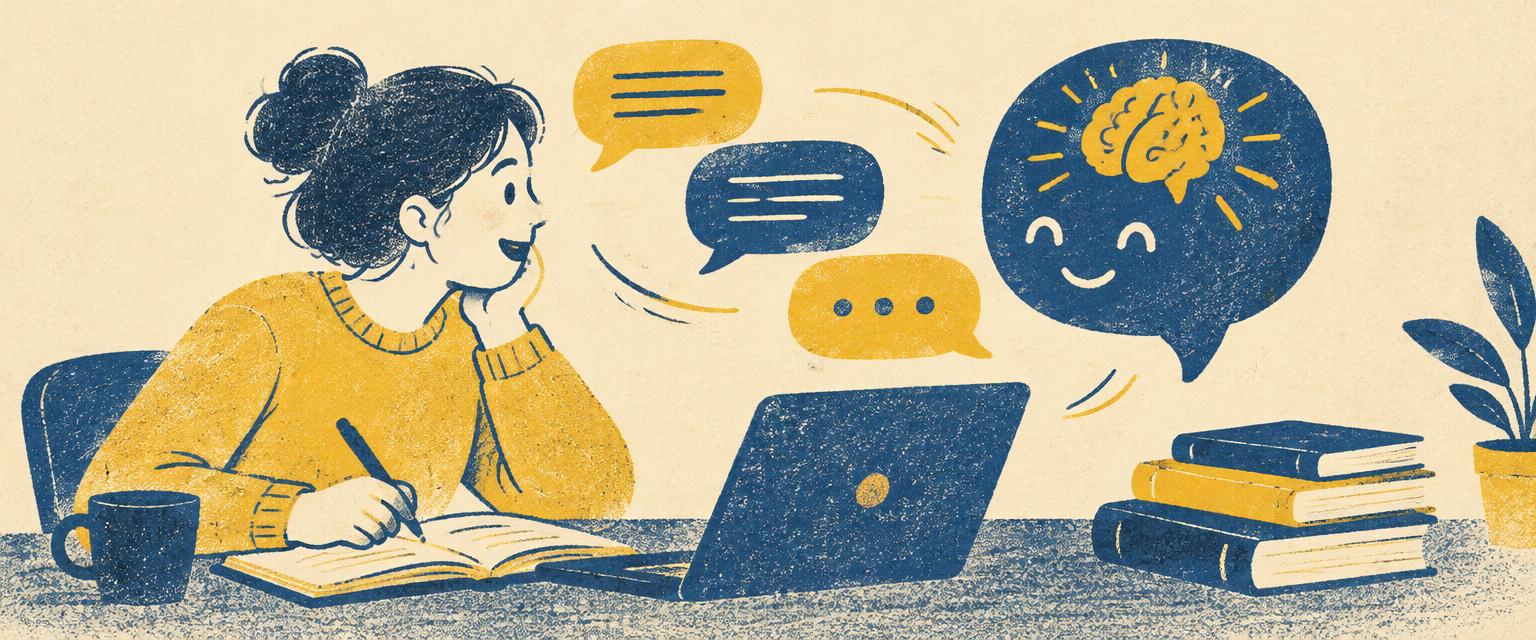
In plain termsMost students start with ChatGPT as a question-answering box, but its most useful features are study features: uploading your notes, asking for practice questions, getting feedback on a draft, or talking through a concept out loud. Think of it as a study partner that is always available — one you still have to fact-check and that never replaces your instructor’s rules.
ChatGPT is a study partner, not just a chatbot
Six features that help college students learn, research, and create.
Study Mode
Work through questions and problems with step-by-step guidance, not just answers.
Upload files
Summarize, compare, or analyze PDFs, documents, spreadsheets, presentations, and images. Audio transcription is paid-plan only.
Deep research
Multi-step research returns a structured report with citations or source links. Review and edit the plan first.
Projects
Keep related chats, files, and instructions together. Add class materials and ask for a study guide or practice questions.
Web search, Canvas, and Memory
Find current sources, edit writing and code side by side in Canvas, and remember preferences across conversations.
Images and voice
Create visuals for presentations or to explain concepts, and hold real-time voice conversations.
Takeaway: Always verify citations and check your course’s AI policy. Use ChatGPT to learn, not to skip learning.
Sources: OpenAI Help Center; University of Maine System ChatGPT Edu feature guide (2026).

In plain termsPersonal computers, the web, smartphones, social media, and now generative AI — each wave changed how people work and learn, and each one felt sudden at the time. Seeing AI as the latest chapter helps you stay calm and curious: the people who did well in past waves were the ones who learned the new tool early and used it with judgment.
Forty years of disruption: 1984 to 2026
Each wave of technology gave people a new tool.
- 1984MacintoshComputing for everyone
- 1991World Wide WebInformation for everyone
- 1998GoogleFinding anything
- 2004FacebookConnecting everyone
- 2007iPhoneA computer in every pocket
- 2017Transformer paperThe engine of modern AI
- 2022ChatGPTTalk to the machine
- 2025–26AI agentsMachines that act
Takeaway: Presenter’s interpretation: ChatGPT is the first wave to give people a new collaborator, not just a new tool.
Sources: Apple, CERN, Google, Meta, Apple, Vaswani et al. 2017, OpenAI.
Check your understanding
Sign in to save your quiz results and earn your certificate.